Anywhere.
Many new developers feel overwhelmed by all the fancy “IDEs” (Integrated Development Environments) out there, but at its core, code is just text. Remember, computer code is a list of instructions executed by a program.
What program?
It depends on the file extension.
Heh? 🤔
For example:
A file with a .html extension contains HTML text, which your browser will run.
A file ending in .py is a Python file that requires a Python interpreter installed on your computer to execute.
Don’t worry—it’s simpler than it sounds! Most programming languages (like JavaScript, HTML, CSS, Python, PHP, C++, etc.) are written in plain text. This means you can write code using basic tools like Notepad or Word.
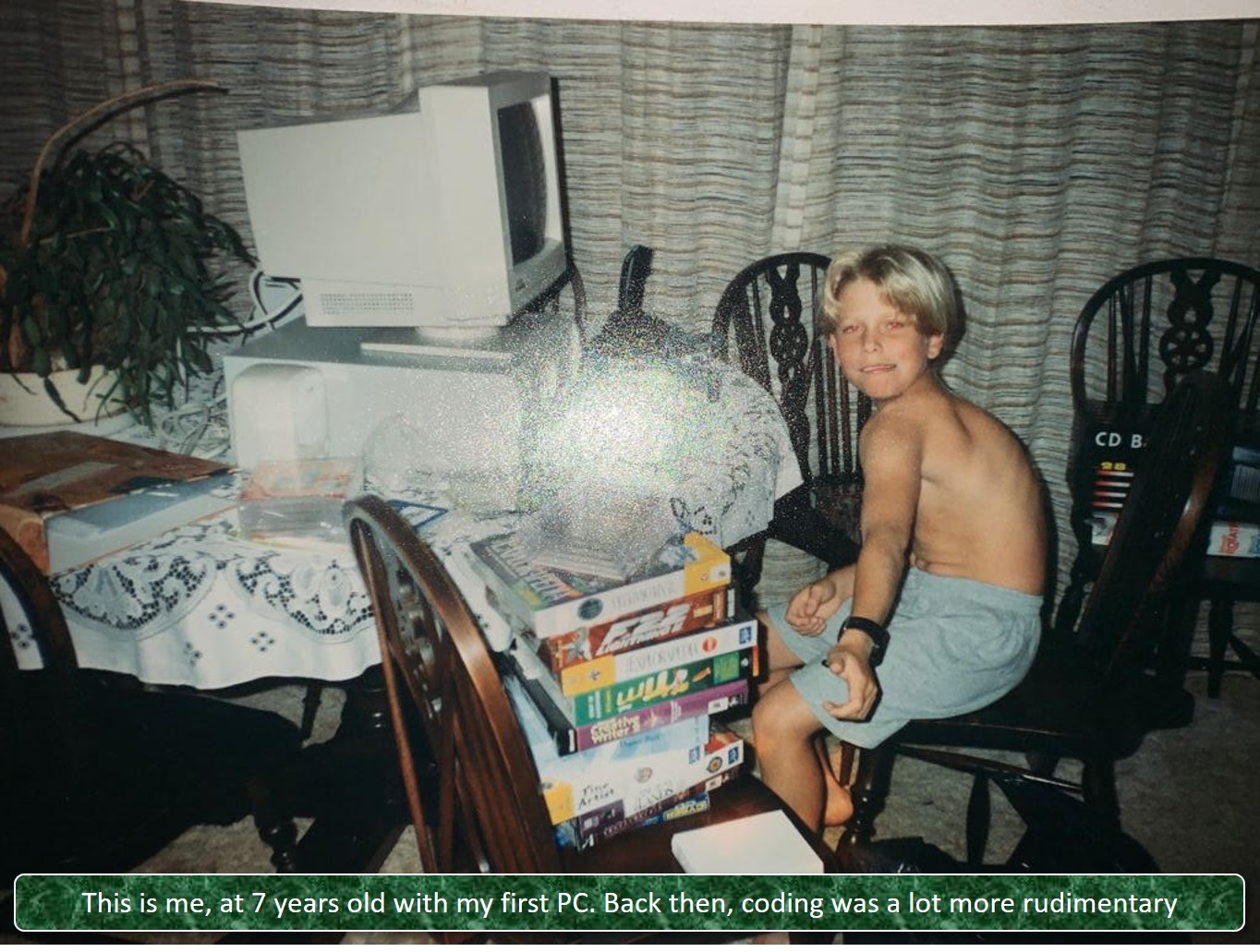
In fact, the first website I created in the 90’s was done on a very very basic text editor. Here's a picture of myself when I got my first PC:
While you can write code anywhere, using software specifically designed for coding often makes the process much more efficient. This is where IDEs come into play.
IDEs (Integrated Development Environments) are applications tailored for coding in specific languages. They provide features like syntax highlighting, auto-completion, debugging tools, and more to streamline your workflow.
Some popular IDEs include:
Visual Studio Code (VSC)
Atom
WebStorm
NetBeans
For this course, I will be using VSC - Visual Studio Code. Don’t confuse this with Visual Studio (that is something else and is a paid service). Best part? VSC is open source, meaning its free.
VSC is a coding editor and has built-in support for Node.js, TypeScript, and JavaScript and has a lot of extensions for for different languages like C++, Java, C#, PHP, Go, and Python.
If you want to use VSC in this course, alongside me, here is their download link.
Grab a steaming cup of coffee ☕ (mmm!), install VSC, and let’s start coding together—I can’t wait to see you in the next lecture!